Getting started
Reporting
Configuration
Updates
SCIM Provisioning
SCIM provisioning enables automated user management through an identity provider.
Overview
The SCIM Provisioning page allows your organization to automate user lifecycle management in Dawnguard using your identity provider (IdP). With SCIM enabled, users can be automatically created, updated, and deactivated based on the assignments and rules defined in your IdP, removing the need for manual user management in the Dawnguard app.
SCIM ensures:
- Consistent and centralized access control
- Automatic onboarding and offboarding
- Accurate role and membership synchronization
- Reduced administrative overhead
Once configured, Dawnguard becomes fully aligned with your organization’s identity and access governance, ensuring the right people have the right access at all times.
Enable SCIM provisioning
- Open Admin→ Security
- Select SCIM provisioning
- Choose a token lifetime
- Click Generate
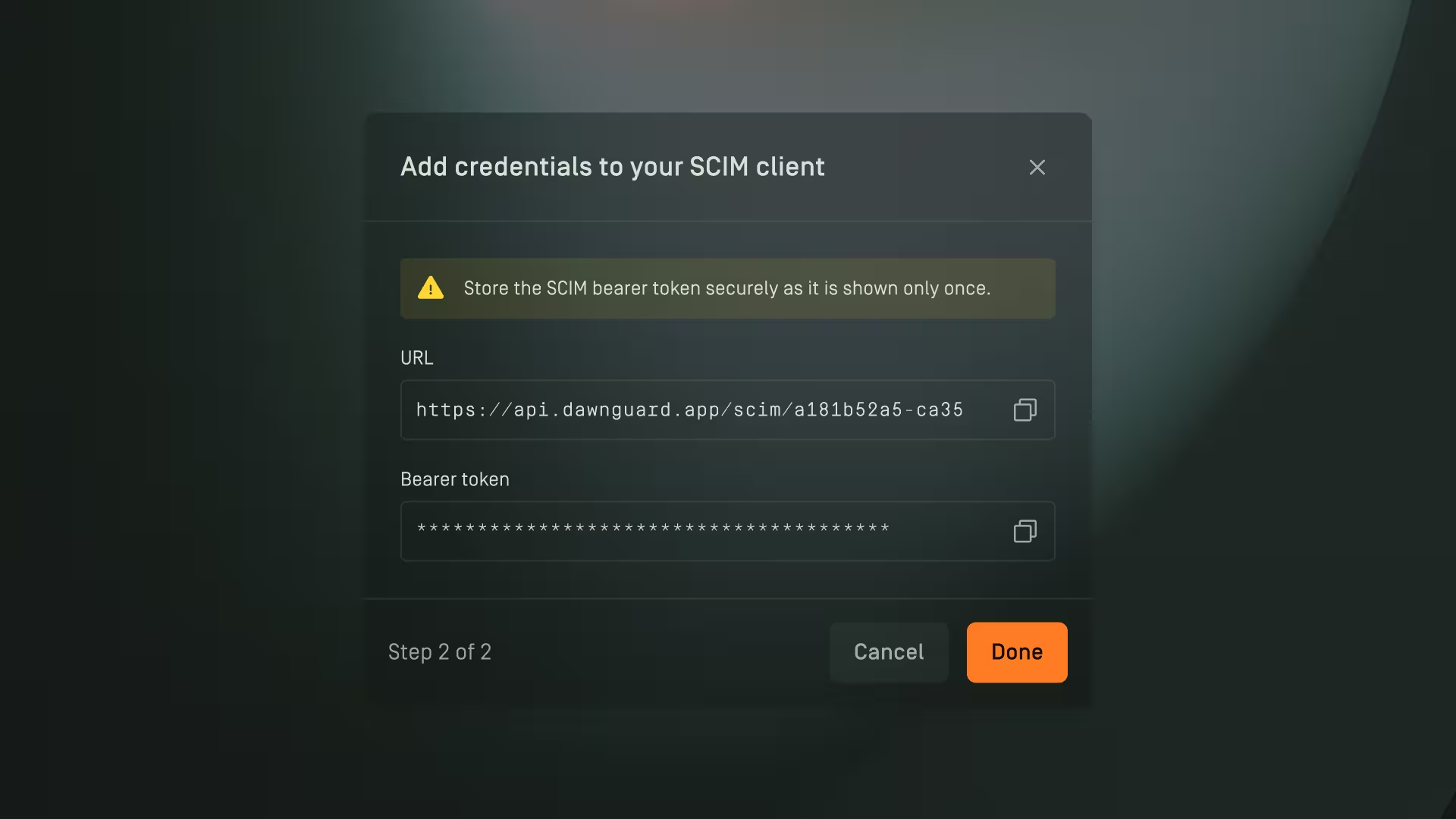
- Copy the SCIM URL and Bearer token. Important: The bearer token is shown once and must be stored securely.

Configure an identity provider
- Open the identity provider (for example, Entra ID or Okta)
- Configure SCIM provisioning
- Enter the SCIM URL
- Enter the bearer token
Important behavior changes
Manual user deletion is disabled when SCIM is enabled.
Revoking the bearer token stops further updates from the identity provider.