Getting started
Reporting
Configuration
Updates
Designs
Collaborate on architecture designs before publishing them.
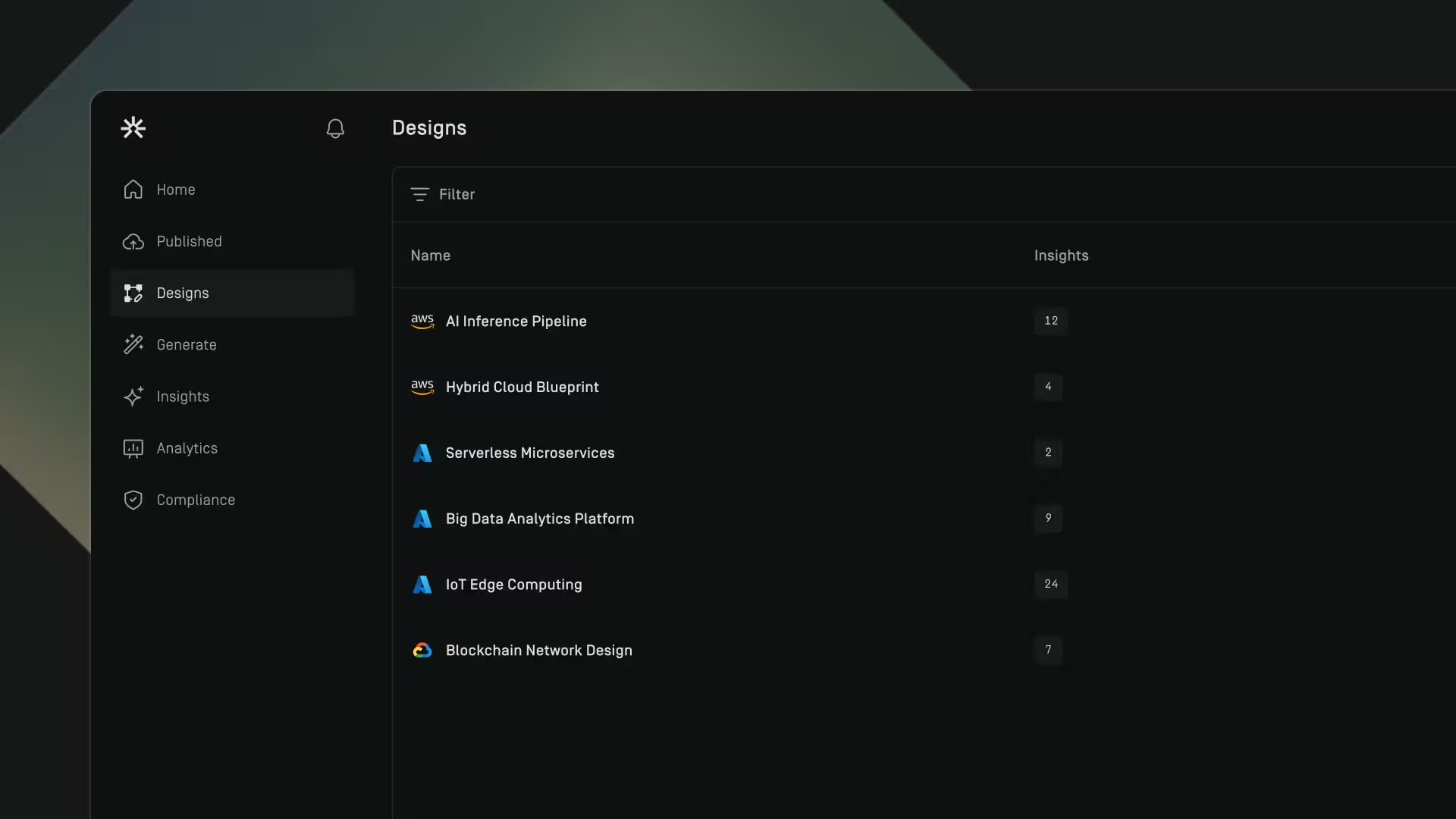
Overview
The Designs page is where teams review, collaborate on, and manage architecture designs before they are published or deployed.
Use this section to:
- Open and explore generated architectures
- Complete the required review workflow
- Access architecture insights
- Manage and delete designs
Generate a design
Before you can begin working on an architecture design, it must first be generated using a chat. To learn more about this process, see Generate.

Delete a design
- Go to Designs
- Hover over a design's row
- Click on the dotted menu
- Select Delete
- Click Remove
Download Infrastructure as Code (IaC)
You can download Infrastructure as Code (IaC) for a design to help you deploy the architecture.
To download IaC:
- Go to Designs.
- Hover over the design you want to export.
- Click the dotted menu.
- Select Download IaC.
The IaC file will be downloaded to your device.