Preferences
Personalize your Dawnguard experience by adjusting your preferences.
Overview
The Preferences page allows you to configure personal settings that shape how you experience Dawnguard. These settings are specific to your user account and do not affect other members of your workspace.
From this page, you can adjust options that control how information is displayed, how alerts or notifications behave (when available), and other userlevel preferences that help tailor the interface to your workflow.
Preferences are stored per user, ensuring that every member can customize Dawnguard to match their individual working style without impacting global or workspacewide settings.
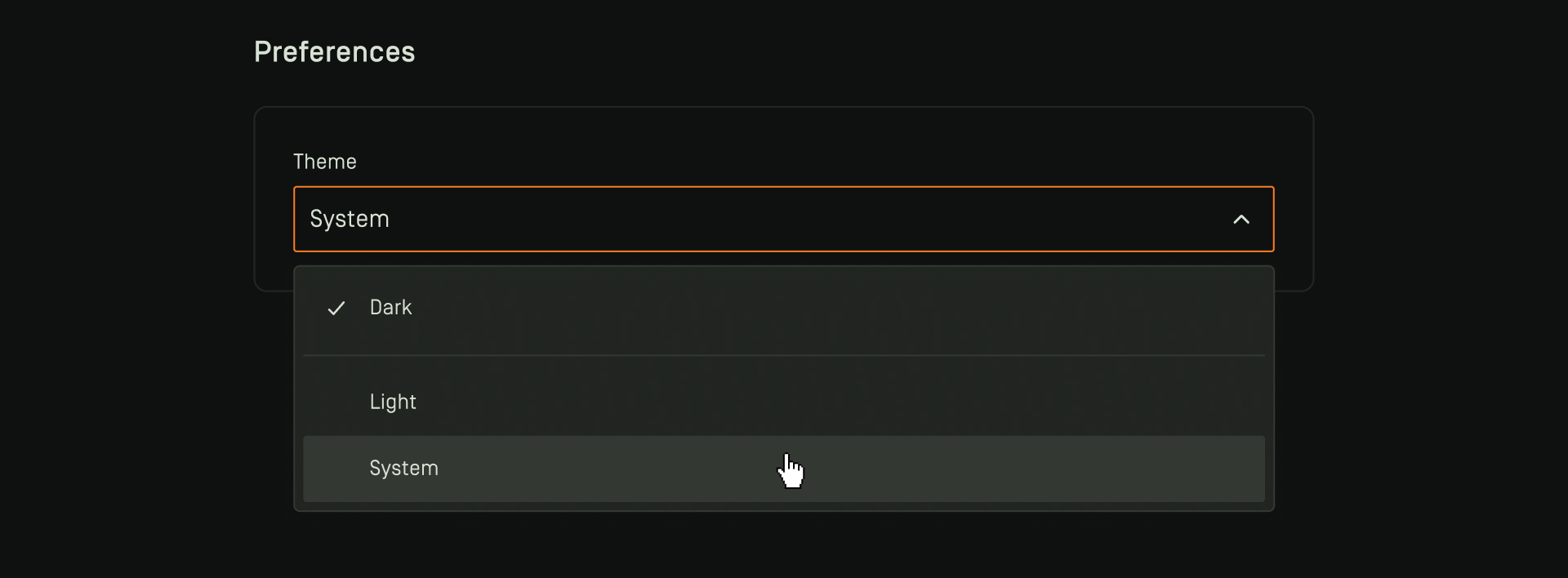
Theme
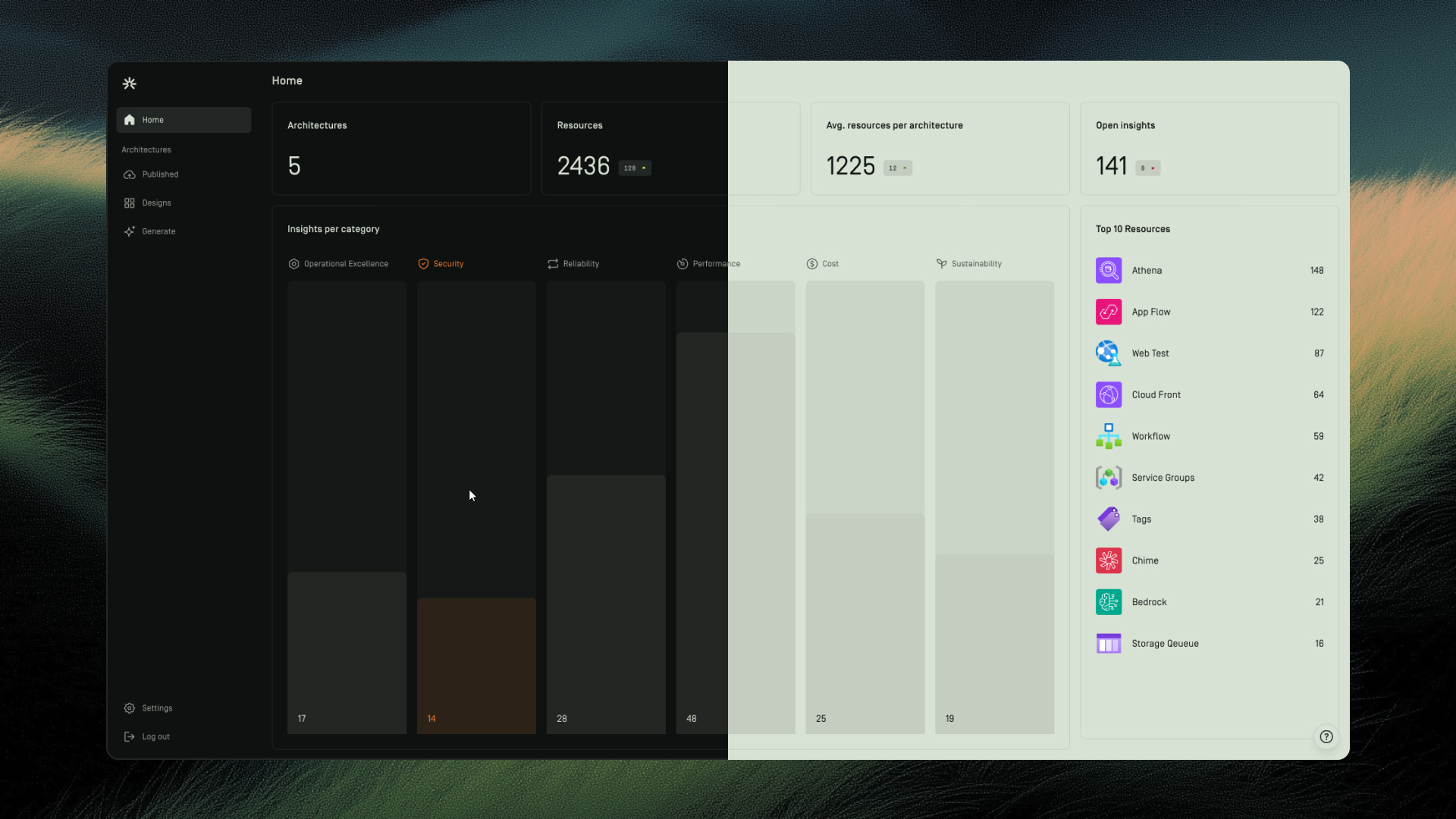
Switch between light, dark, or system themes to match your preference. Selecting the system option automatically adapts Dawnguard’s appearance to your device’s current theme settings.