Getting started
Reporting
Configuration
Updates
Activity
View everything happening in the app, with a detailed record of each event.
Overview
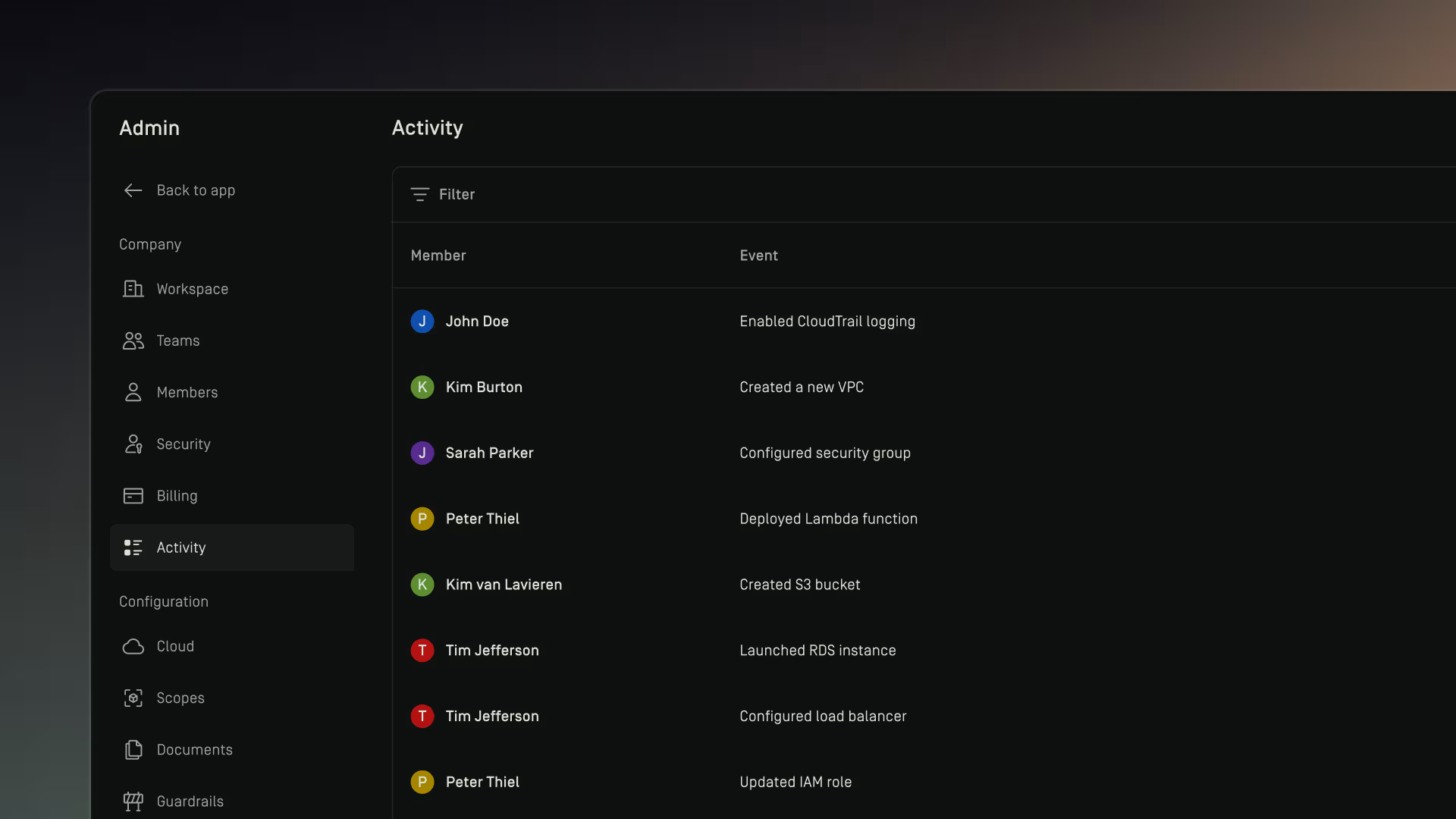
The Activity page provides a chronological log of actions taken across your Dawnguard workspace. It shows which member performed an action, what the action was, and when it occurred.
This page gives teams clear visibility into:
- Access events
- Resource fetches
- Systemgenerated events
- Any other tracked activity associated with users
Each row displays:
- Member — who performed the action
- Event — the type of action or resource accessed
- Date — when the action occurred
The Activity log is informational only.
It does not affect permissions, roles, or access settings, its purpose is to provide transparency, traceability, and support internal governance or auditing.
Access
Access to the Activity page is limited to Dawnguard admins because it contains sensitive information.
