Getting started
Account
Configuration
Updates
Toolbar
Learn how each tool helps you work effectively on the architecture canvas.
Overview
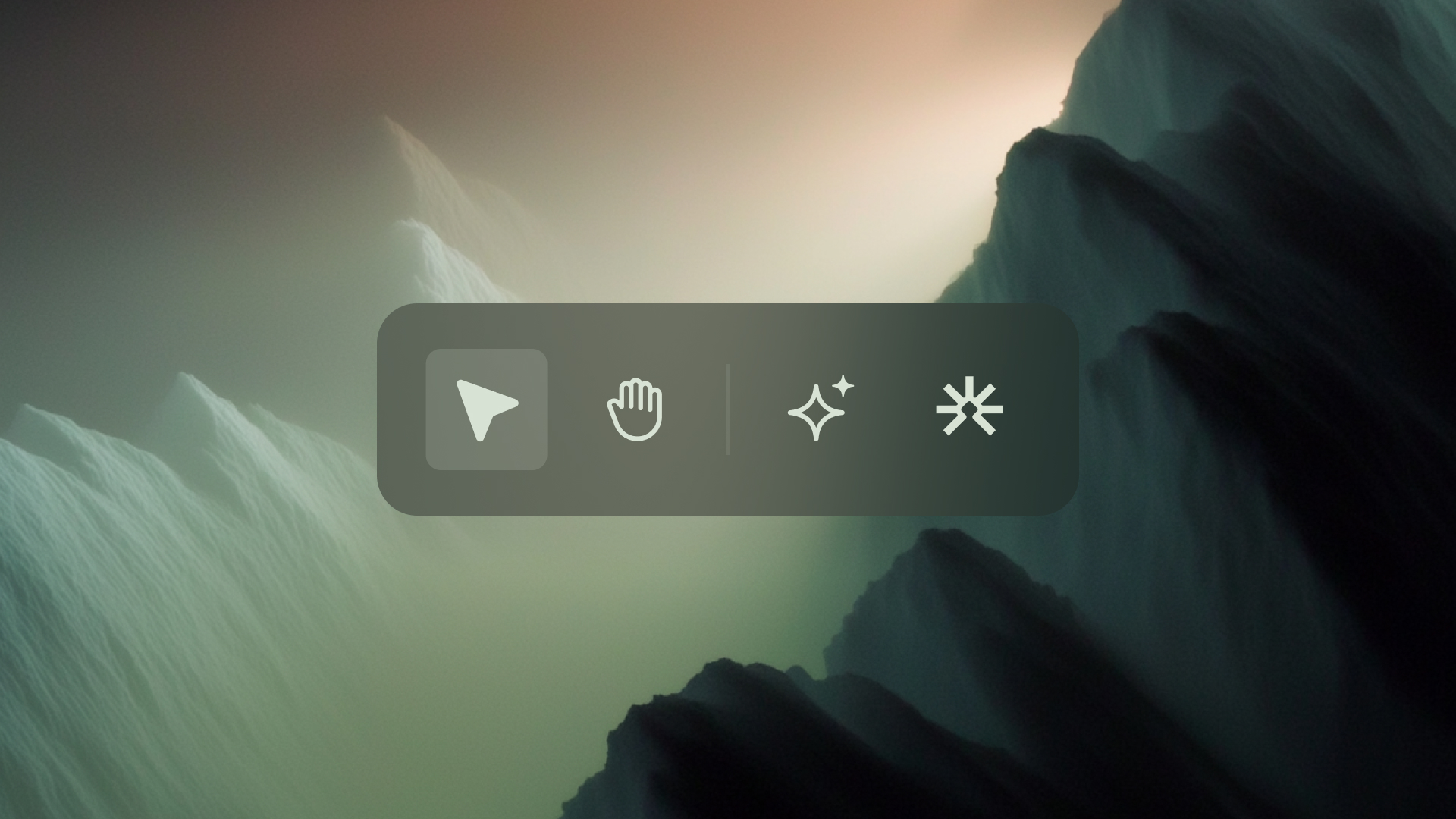
The Toolbar provides quick access to essential tools that help you navigate, inspect, and interact with your architecture on the canvas. Each tool supports a specific action, selecting resources, moving around the canvas, opening insights, starting chat interactions, or adjusting the view.
The toolbar remains visible whenever you are in the canvas so you can switch tools as needed while exploring your architecture.