Getting started
Single Sign-On (SSO)
Account
Generate
Use AI to generate architectures from images, documents, and more.
Generate from Image
- In the Dawnguard app, go to Generate.
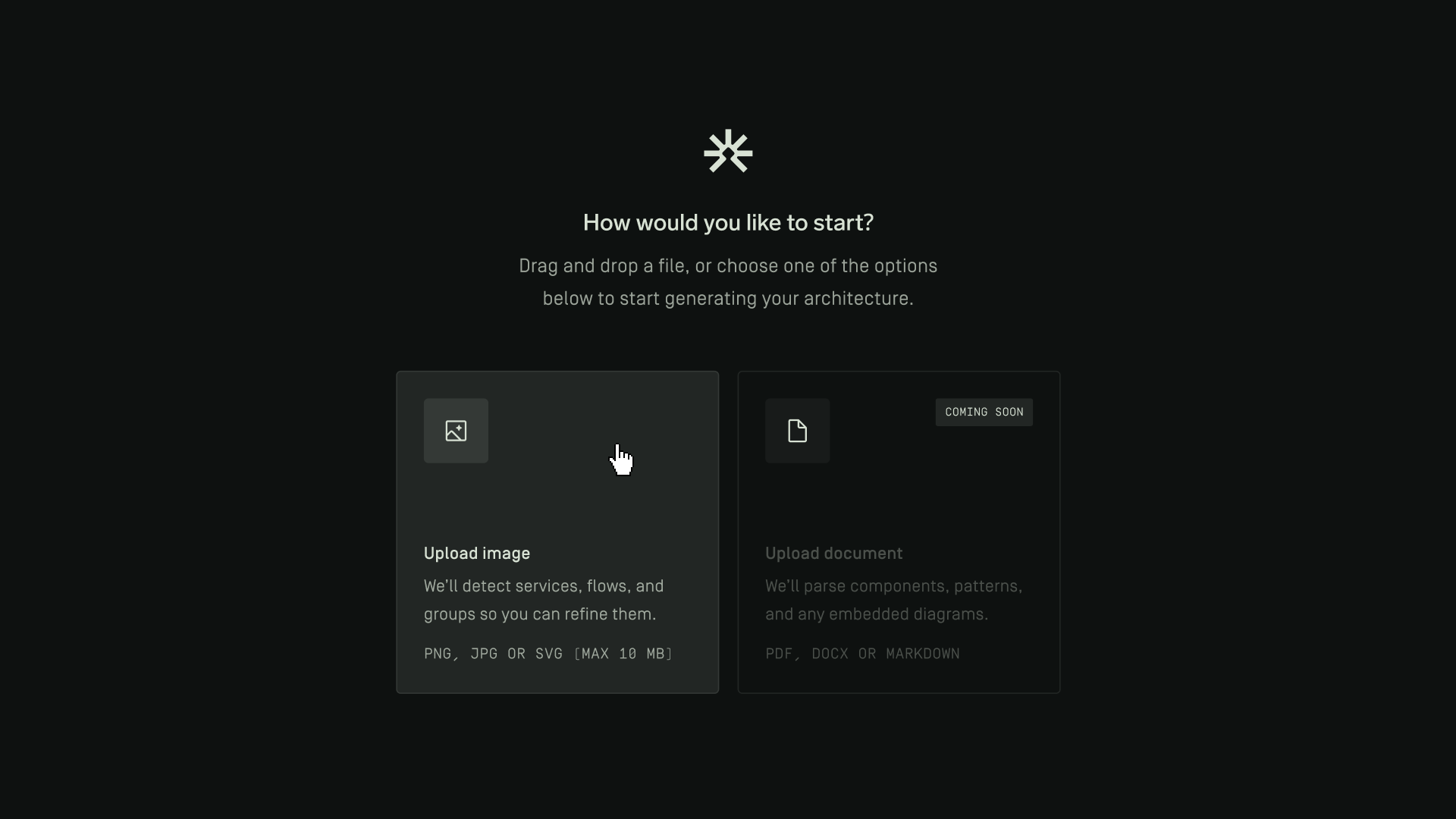
- Drag and drop an image into the upload area, or click Upload Image to select a file.
- The image must be in PNG, JPG, or SVG format and must not exceed 10 MB.
- Once uploaded, Dawnguard will automatically generate an architecture design from the image.
- When the generation process is complete, the generated design will appear under Designs.
Generate from Document
Generating an architecture from a document is not yet available and will be released soon.
